Alt text
Write alt text for images in Tessolo: what it does for accessibility and SEO, how to write it, decorative images, and the pre-publish check.
Alt text is a short description of a picture. It takes ten seconds and does three jobs.
What it's for
People using screen readers. Someone who can't see the image hears your description instead. Without it they hear a file name, or nothing.
When the image doesn't load. Slow connection, blocked request — your description shows in its place.
Search engines. It's how they know what a picture shows. It's also what gets your images found in image search.
Writing it
Describe what's in the picture, as if to someone on the phone.
| Instead of | Write |
|---|---|
IMG_4471.jpg | Two people reviewing colour swatches at a desk |
hero image | The Aurora Pro headphones on a walnut desk |
photo of our product | A hand holding the Aurora Pro case, open |
Rules that cover nearly everything:
- One sentence. No paragraph needed.
- Don't start with "Image of". Screen readers already say it's an image.
- Don't stuff keywords. It reads badly and search engines discount it.
- Include text that's in the image. If a graphic says "40% off", the alt text should too.
Decorative images
Some images carry no information — a background texture, a divider. Leave the alt text empty on purpose and screen readers skip them.
Empty because it's decorative is fine. Empty because you couldn't be bothered is what the pre-publish check is looking for.
Where you write it
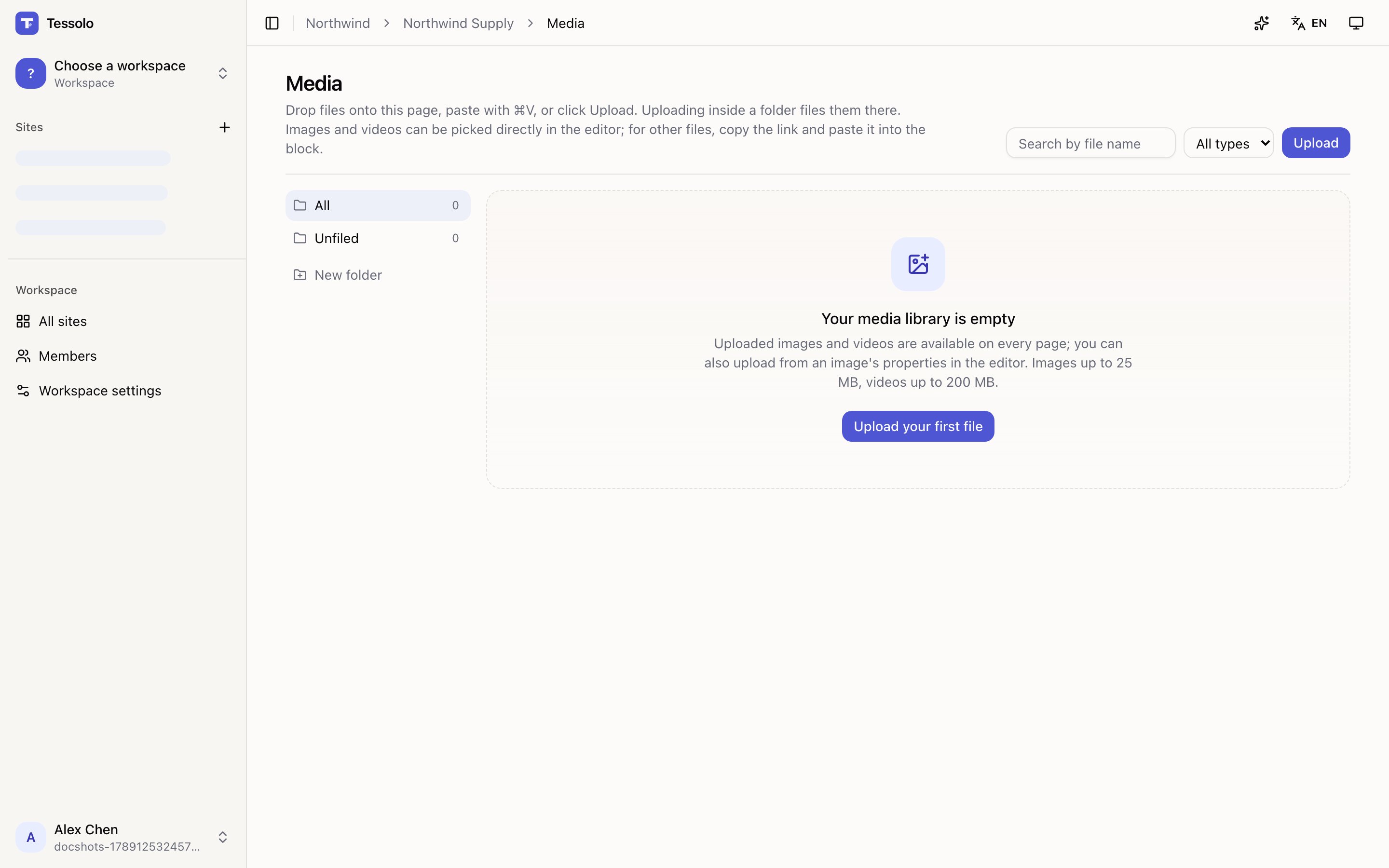
Two places, same field:
- In the media library, on the image. Follows it everywhere it's used.
- In the editor, on a selected Image block. Overrides it for that one placement.
Fill it in the library and you write it once for the whole site. When you insert an image that already has alt text, it comes along.
The pre-publish check
Publishing lists images with no alt text. It doesn't block you — sometimes empty is correct — but it's the reminder that catches the ones you meant to fill in.
Where it isn't needed
Images inside a decorative block — an avatar stack, an icon cloud — aren't flagged, because they're pattern rather than content. Section background images are also skipped: they're backgrounds, and the meaning is in the text on top.
Uploading and organising
Upload images, video, documents and fonts to a Tessolo site's media library by dragging, pasting or pressing Upload, then search, file into folders and delete.
A different image per device
Show a different image on phones in Tessolo — say a tall crop of a wide hero — without adding a field, including for section backgrounds.