Uploading and organising
Upload images, video, documents and fonts to a Tessolo site's media library by dragging, pasting or pressing Upload, then search, file into folders and delete.
Media in the site's sidebar holds every image, video, document and font you've uploaded.
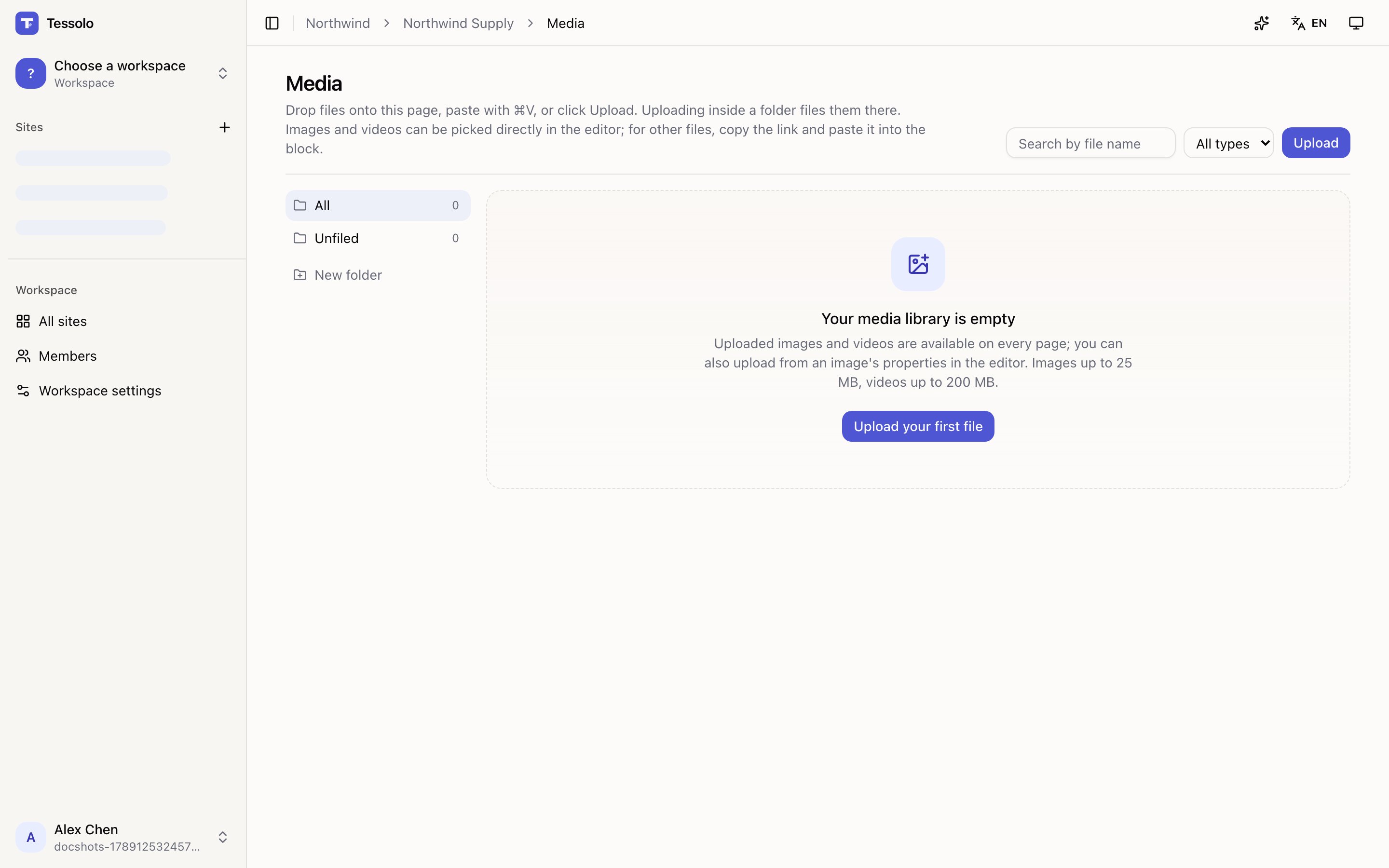
- 1Folders
- 2Search and type filter
Three ways to upload
- Drag files onto the page — several at once.
- Paste with ⌘V — a screenshot straight from your clipboard, no saving first.
- Press Upload.
You can also upload straight from an image's properties in the editor, without leaving the page you're building.
Uploading while a folder is open files it there.
Limits: images up to 25 MB, videos up to 200 MB. Very large images are resized on the way in — you never have to shrink a photo yourself.
Folders
One level, no nesting. New folder, then drag files in or select several and Move to….
One level is deliberate. Deep folder trees in a shared library end up with things filed where only their creator would look. Flat and searchable beats organised and forgotten.
If your site is small, don't bother — search finds things faster than folders do.
A new folder isn't kept until something is in it.
Finding things
The search box matches file names, and the type filter narrows to Images, Videos, Files or Fonts. Unfiled shows everything not in a folder.
Which means file names matter. aurora-pro-hero.jpg is findable; IMG_4471.jpg is not.
Rename before uploading — it's the cheapest habit here.
Alt text
Each image has an Alt text field. Fill it in — see alt text. It follows the image everywhere it's used, so you write it once.
Using files that aren't images
Images and videos can be picked directly in the editor. For anything else — a PDF, a price list — copy the link and paste it into a button or link block.
Deleting
Deleting is permanent, and pages already using the file show a broken image. Tessolo warns you but can't check every page first.
Before deleting anything you're unsure about, search your site for it in preview. Storage is rarely the binding constraint; a broken hero image on a live page is a bigger problem than an unused file.
Storage
Each plan includes an amount of storage, from 200 MB on Free to 100 GB on Business. See plans and limits.
Spam protection and limits
Spam protection for Tessolo forms — human verification, rate limits and monthly quotas — and a checklist for when submissions don't arrive.
Alt text
Write alt text for images in Tessolo: what it does for accessibility and SEO, how to write it, decorative images, and the pre-publish check.