Google Analytics, GTM, Meta Pixel, Clarity
Add Google Analytics, Google Tag Manager, Meta Pixel or Microsoft Clarity to a Tessolo site by pasting an ID and republishing.
If you already use your own analytics or advertising tools, you paste an ID and Tessolo adds the right snippet for you.
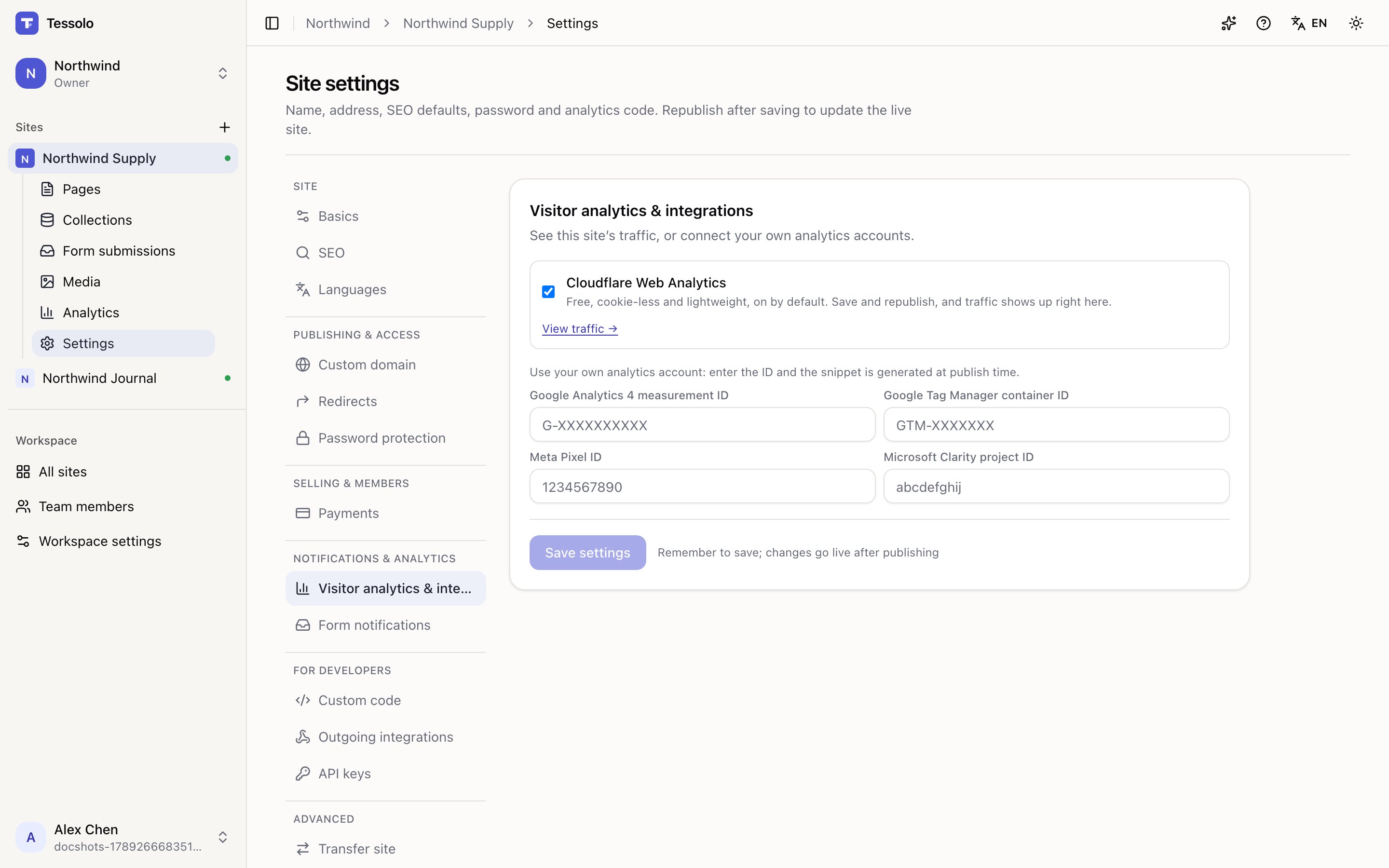
The four fields
| Field | Where to find the ID |
|---|---|
| Google Analytics 4 measurement ID | GA4 → Admin → Data streams. Starts with G- |
| Google Tag Manager container ID | GTM workspace, top of the screen. Starts with GTM- |
| Meta Pixel ID | Events Manager. A long number |
| Microsoft Clarity project ID | Clarity → Settings → Setup |
Paste the ID only — not the whole snippet. The snippet is generated when you publish.
If you use Google Tag Manager, put everything else inside GTM rather than filling in several fields here. Managing tags in one place is the reason GTM exists.
Republish
Nothing tracks until you republish. Analytics settings are frozen into the published snapshot. This is the single most common reason people think it didn't work.
Checking it works
- Republish.
- Open the live address in a private window — not the editor preview.
- In GA4 look at Realtime; in Clarity, recordings appear within minutes; for Meta, use their Pixel Helper browser extension.
If nothing shows up: is it the live site? Did you republish? Is an ad blocker running in that window?
Alongside the built-in stats
Both can run at once. They'll disagree — see visitor analytics for why, and don't try to reconcile them.
Use the built-in one for a quick read, and your own account when you need funnels, ad attribution or session recordings.
Privacy
These tools do set cookies and do track people across sites. That's a different situation from the built-in analytics:
- You likely need a cookie banner and consent, depending on where your visitors are
- Your privacy policy should name the tools you use
- Some regions require consent before the tag loads
Tessolo doesn't manage consent for you. If you need a consent banner, add one through custom code.