Push submissions to Slack, Feishu, Zapier and your own server
Outgoing integrations: one submission, several targets, with retries and a signature.
Every form submission can be pushed, the moment it arrives, to as many targets as you like: a Slack or Feishu group, a Discord channel, a Zapier or Make scenario, or an address on your own server.
Starter and aboveAdd a target
Get the receiving address
- Slack — create an Incoming Webhook in your Slack app and copy its URL.
- Feishu (Lark) — add a custom bot to the group and copy the webhook URL.
- Discord — channel settings → Integrations → Webhooks → copy the URL.
- Zapier / Make — start a Zap / scenario with a Webhook → Catch hook trigger and copy the URL it gives you.
- Your own server — any
https://address that accepts a JSONPOST.
Paste it under Settings → Outgoing integrations
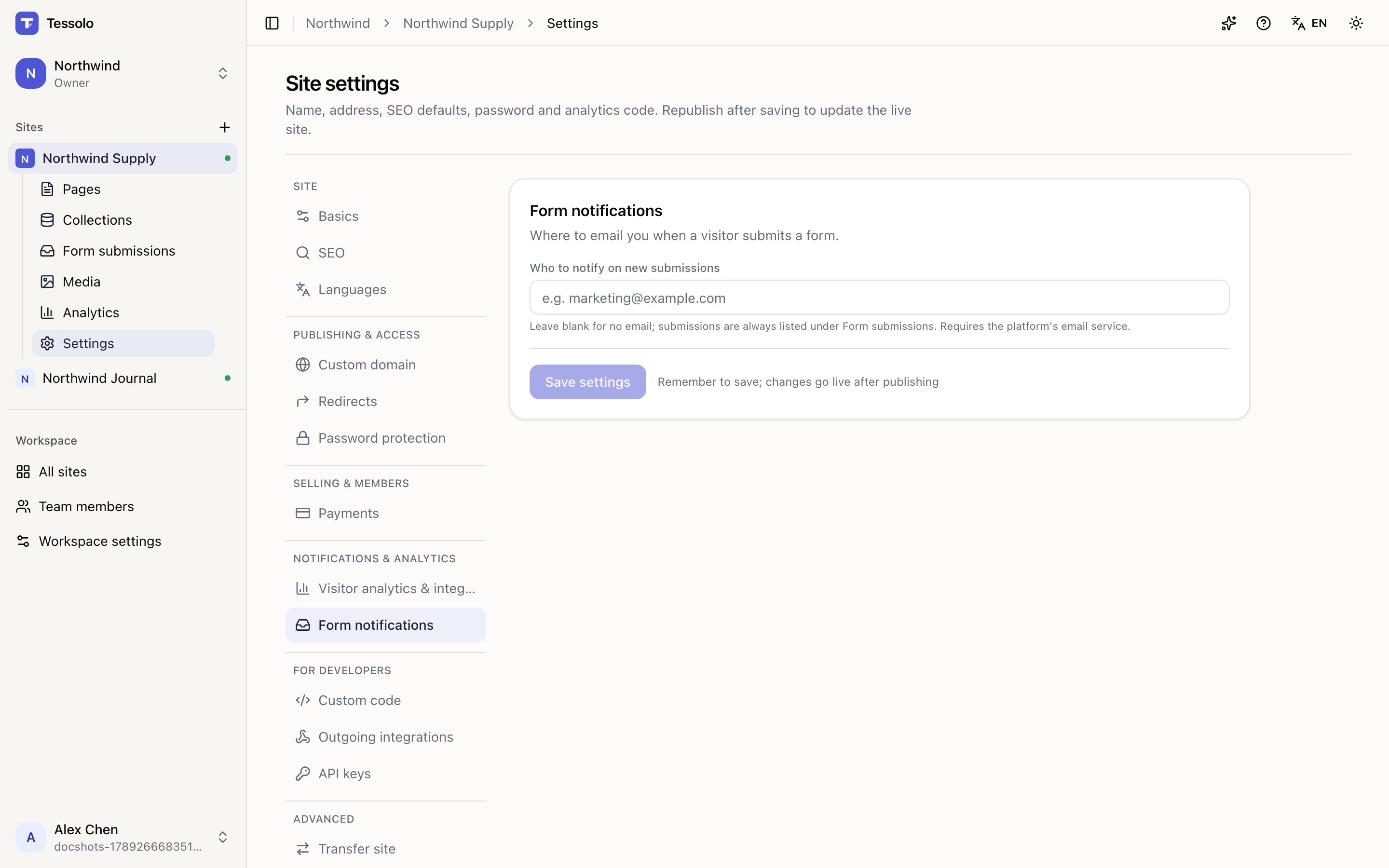
Settings → Outgoing integrations → Add a target. Pick the type, paste the address, give it a name. Leave Only these forms empty to push every form on the site, or list the form names you want.
Test it
Save, then click Test. A sample submission goes out immediately and you see the status the other side returned. If it fails, the error is shown on the row.
What gets sent
Slack, Feishu and Discord receive a readable message: the site and form name, then one line per field. Long answers are shortened.
Webhook, Zapier and Make receive JSON:
{
  "event": "form.submitted",
  "siteId": "…",
  "siteName": "Acme",
  "formId": "contact",
  "submissionId": "…",
  "pageId": "…",
  "data": { "Name": "Ada", "Email": "ada@example.com" },
  "createdAt": "2026-09-12T08:00:00.000Z"
}
Field names in data are the labels you gave the form fields. createdAt is when the
visitor submitted, so retries carry the exact same body.
Each target chooses which events it wants. Besides Form submitted, a target can subscribe to Order paid (sites that sell with Stripe):
{
  "event": "order.paid",
  "siteId": "…",
  "siteName": "Acme",
  "orderId": "…",
  "status": "paid",
  "currency": "usd",
  "amountTotal": 12900,
  "amount": 129,
  "customer": { "email": "ada@example.com", "name": "Ada" },
  "items": [
    { "itemId": "…", "slug": "headphones", "title": "Headphones",
      "quantity": 1, "unitAmount": 12900, "unitPrice": 129 }
  ],
  "paidAt": "2026-09-12T08:00:00.000Z",
  "createdAt": "2026-09-12T07:59:00.000Z"
}
amountTotal and unitAmount are in the currency's smallest unit (cents); amount and
unitPrice are the same numbers in whole currency. Chat targets get a short message with
the amount, buyer, items and order number instead.
Two more events cover content and members:
- Entry published (
cms.item.published) — fires every time a collection entry goes live: publishing from the console, importing a CSV with publish on, a sheet sync with auto-publish, or the write API withpublish: true. The body carriescollectionSlug,collectionName,itemId,slug,title, the publisheddataandpublishedAt. A bulk import sends at most 50 of these per batch. - Member joined (
member.joined) — fires the first time an email becomes a member of the site, whether they signed in with a link or bought something. The body carriesmemberId,email,nameandsource(signupororder).
Every request also carries these headers:
| Header | Meaning |
|---|---|
x-tessolo-event | form.submitted, order.paid, cms.item.published or member.joined |
x-tessolo-delivery-id | Same value on every retry of one submission — use it to ignore duplicates |
x-tessolo-attempt | 1, 2, … |
x-tessolo-timestamp | When this attempt was sent (milliseconds) |
x-tessolo-signature | Only when a signing secret is set — see below |
Retries
If the target doesn't answer with a 2xx, we try again after 5 minutes, 15 minutes, 1 hour, 6 hours and 24 hours. A 4xx (other than 408 and 429) is not retried — the address is wrong, retrying won't fix it.
After three failures in a row the workspace owner gets an email. Retries always use the address currently saved, so fixing a typo fixes the pending retries too. Disabling or deleting the target cancels them.
Your server should reply 200 as soon as it has stored the submission, and treat a
repeated x-tessolo-delivery-id as already handled. A slow reply looks like a timeout
and gets retried.
Verifying the signature
For Webhook, Zapier and Make targets you can set a signing secret. Every request then carries
x-tessolo-signature: t=1789000000,v1=5f1a…where v1 is HMAC-SHA256(secret, t + "." + rawBody) in hex. To verify: split the header,
recompute the HMAC over t + "." + body using the raw request body, compare in constant
time, and reject if t is more than five minutes old.
The secret is shown once when you type it. After saving you only see its last four characters; type a new one to replace it.
Which plan
Outgoing integrations are on Starter and above and up. Starter allows three targets per site, Pro ten, Business as many as you need. If your plan later drops below the feature, pushes stop but nothing is deleted.