Visitor analytics
Tessolo's built-in, cookie-free visitor analytics: turning it on, what's measured, conversions, and why numbers differ from other tools.
Every site has visitor statistics built in. Nothing to install, no cookie banner needed.
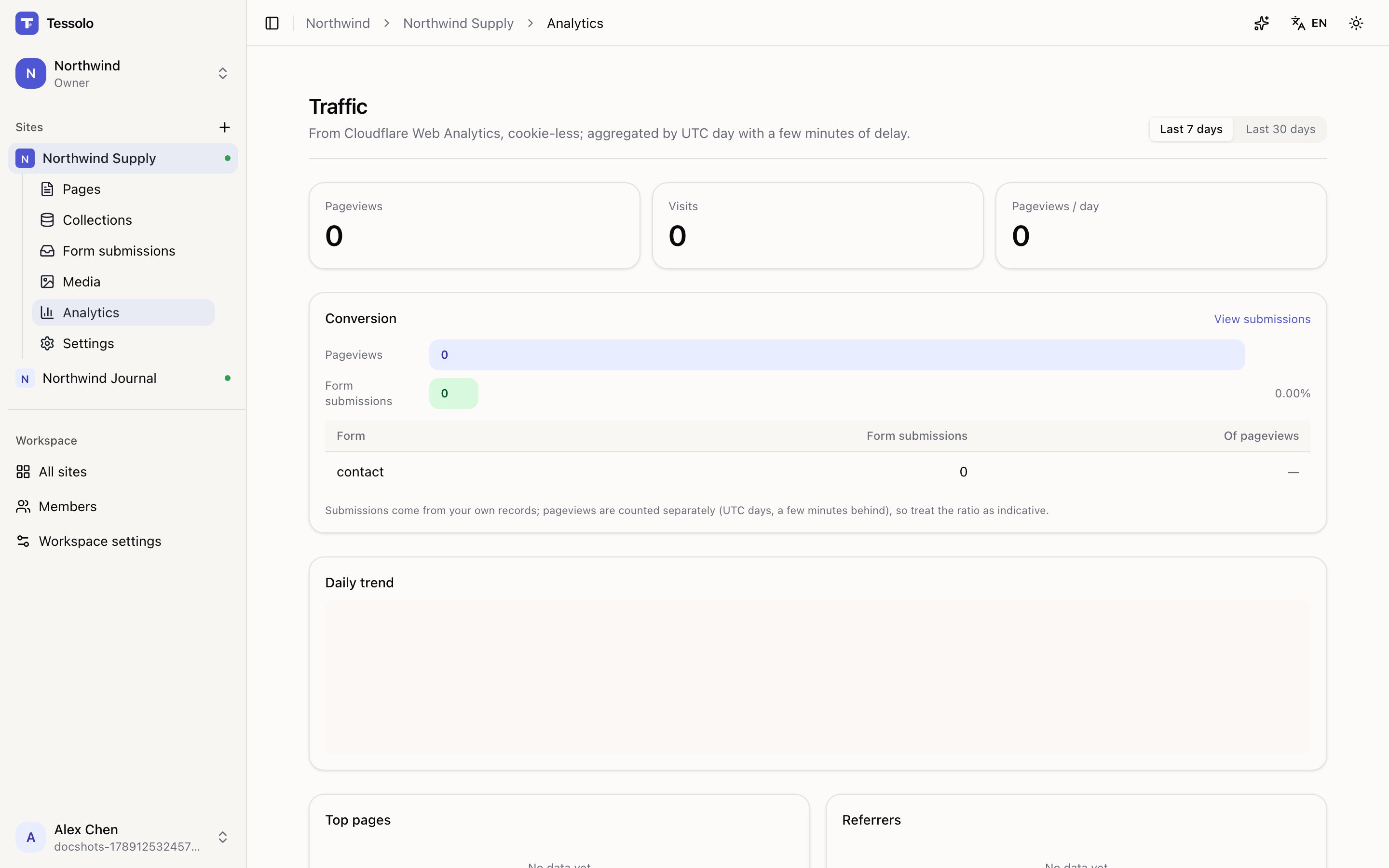
- 1Pageviews and visits
- 2Daily trend
- 3Top pages, referrers, countries, devices
Turning it on
It's on by default. If it was turned off, enable Cloudflare Web Analytics in Settings → Analytics — and republish, which is what actually starts the collecting.
What's measured
| Pageviews | Pages opened |
| Visits | Sessions — one person reading four pages is one visit |
| Top pages | Which pages get opened |
| Referrers | Where people came from |
| Countries, Devices, Browsers | Who they are, roughly |
Choose the last 7 or 30 days.
Cookie-free
No cookies are set and no individuals are tracked. Nobody is followed across sites, and there's nothing to disclose in a cookie banner for it.
The trade-off is honest: visit counts are approximations rather than exact people. For "which page is working", that's more than enough.
Conversion
If your site has forms, the page shows form submissions against pageviews as a conversion figure, with a link straight to the submissions.
Read it as indicative. Submissions come from your own records while pageviews are counted separately and aggregated by day, so the ratio moves around at the edges. The panel says so.
Why the numbers differ from other tools
Every analytics tool disagrees with every other. Ad blockers, bots, and different definitions of a "visit" all contribute.
Use one tool for trends and don't reconcile two. The question worth answering is "is this going up", not "is it exactly 1,204".
Delay
Aggregated by UTC day with a few minutes of delay. A page published an hour ago may show nothing yet — that's normal, not a broken setup.
When numbers don't appear
- Not republished after enabling it. Most common cause by far.
- The site is password protected — visits aren't counted.
- You're on a shared address (some deployments serve every site from one hostname, and visits can't be separated). Connecting a custom domain fixes it, and the page tells you so.
Changing your site address or domain doesn't reset your history — old hostnames stay counted.
Editing and detaching
Edit a Tessolo component once and update every instance, rename or delete it, or detach a single instance to change it on its own.
Google Analytics, GTM, Meta Pixel, Clarity
Add Google Analytics, Google Tag Manager, Meta Pixel or Microsoft Clarity to a Tessolo site by pasting an ID and republishing.