Translating collection entries
Translate Tessolo collection entries with the language tabs on each entry: which fields translate, what's left, AI help and publishing.
Pages and entries are translated separately. Translating your blog page's headings doesn't touch the articles themselves.
Language tabs
Open an entry and you'll see a tab per language. The default is marked as such; pick another to write that version.
A note explains the rule: only text fields can be translated, and the rest follow the default language. Empty fields show the default text on the live site — so a half-translated entry is readable rather than broken.
Which fields
Text, Rich text and URL. That's it.
Numbers, dates, toggles, images, colours and references are the same in every language. Tags aren't translated either — they're labels for grouping, and translating them would break the grouping.
If a field you expect isn't editable on the language tab, check its type.
Seeing what's left
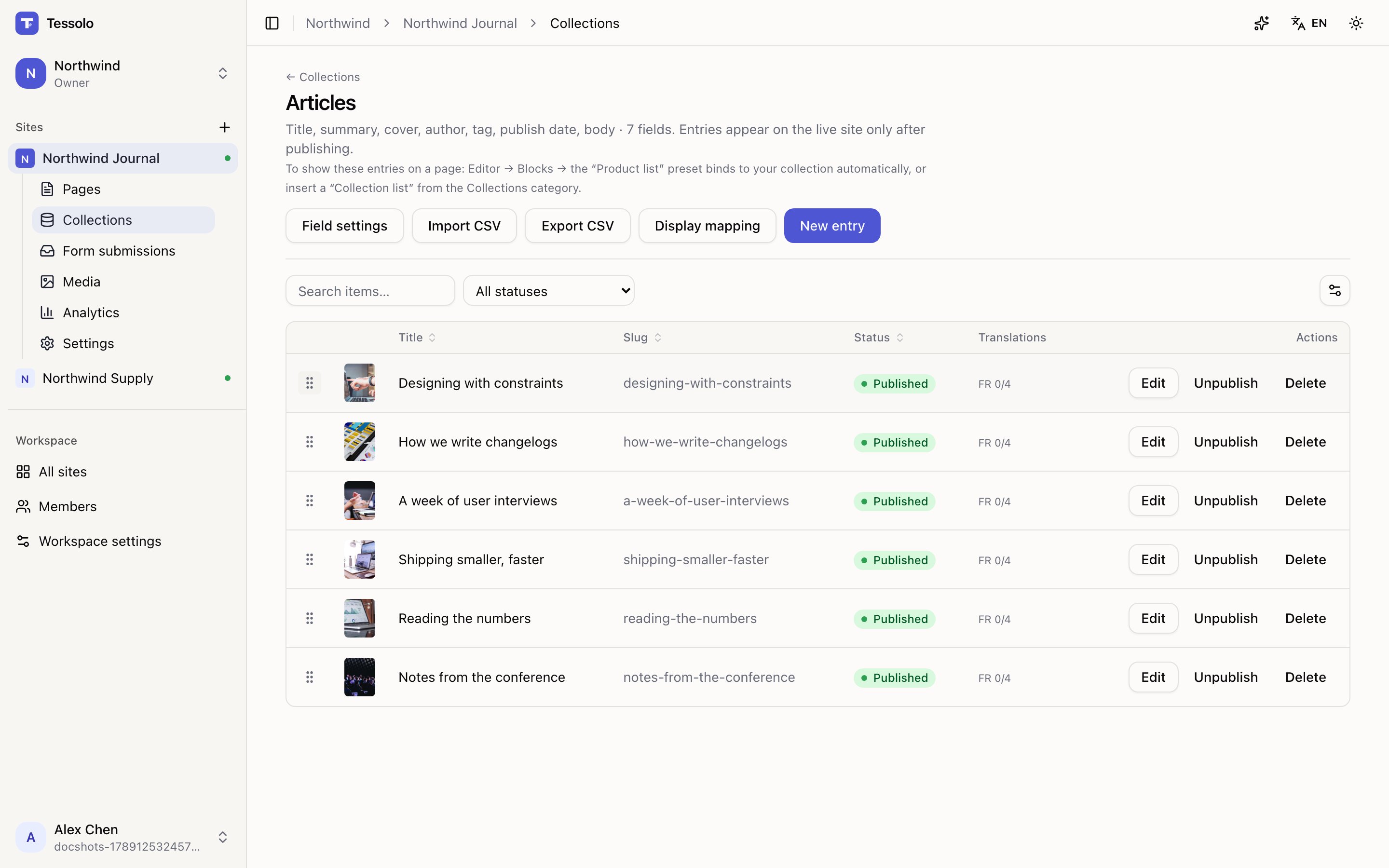
The entries table has a Translations column showing progress per entry, so you can spot the ones nobody has done.
Settings → Languages shows the same across the whole site: percentage of text translated, and how many entries.
Translating one entry with AI
Each entry has Translate this item with AI. It fills the text fields for the current language tab, and you review before saving.
Use it for a long article body. Read what comes back — especially product names, prices in text, and anything jargon-heavy.
Publishing
Translating an entry writes a draft, even when the entry is already live. Republishing the site does not publish it. You have to publish the entry.
This is the most common way a translated site ends up showing the wrong language: the pages are translated, published and correct, and the articles are still in the original language because nobody published the entries.
Translating pages
Translate Tessolo pages in the editor's translation mode: text, locked settings, page titles and search descriptions, and reusable components.
Translating with AI
Translate one page, one collection entry or a whole Tessolo site with AI — every result is a draft you review before publishing.