Billing
Start a Tessolo subscription, change plan, update your payment method, download invoices, and see what happens when a payment fails or you cancel.
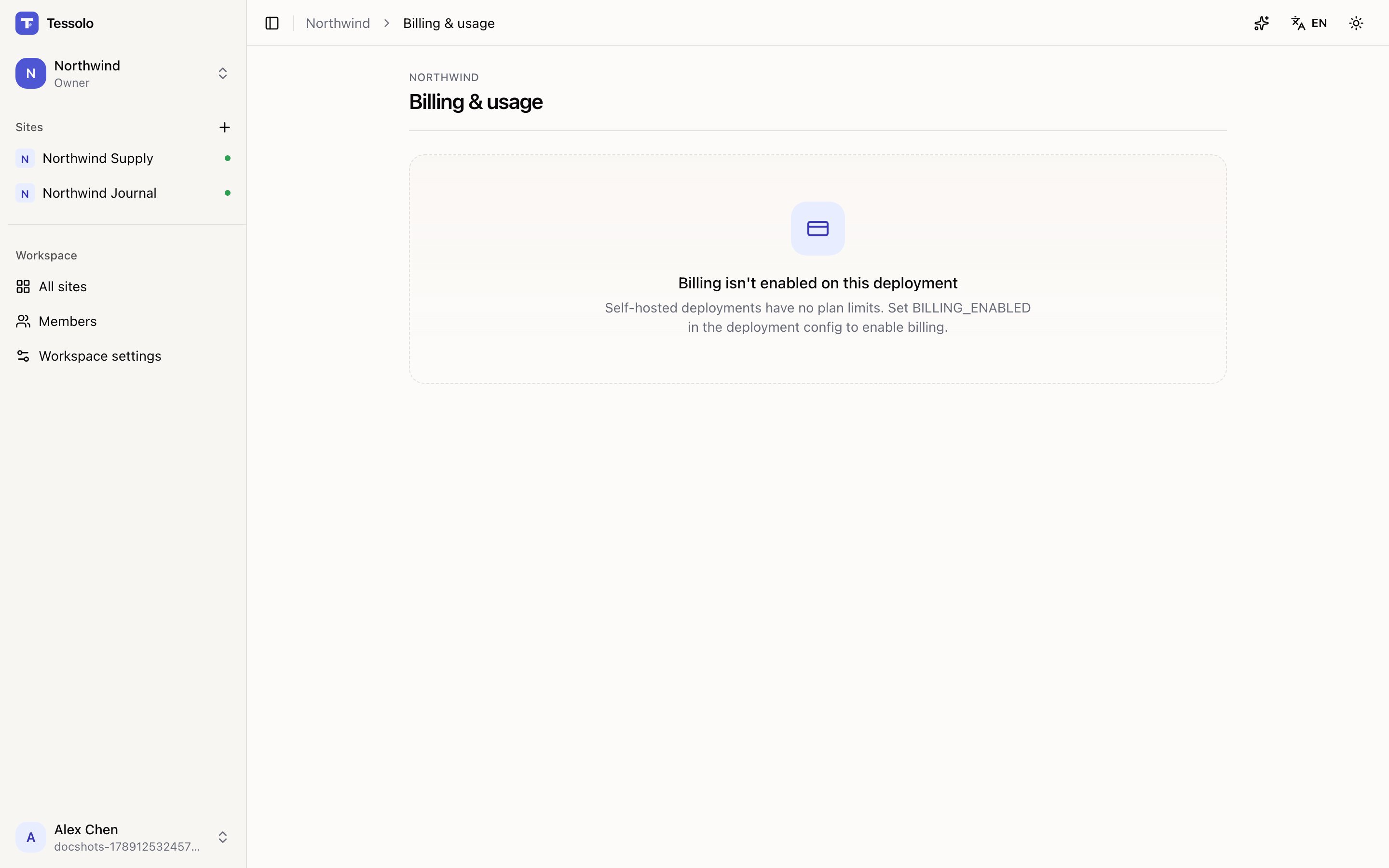
Billing & usage in the sidebar. It shows your current plan, this month's usage against each limit, and the plan comparison.
Starting a subscription
Choose a plan and pick Monthly or Annual — annual saves around 20% and is billed once for twelve months.
Payment goes through Stripe. Tessolo never sees your card details.
Only the workspace owner can subscribe or change plan. Admins can open the payment portal to update a card or download invoices, but not change what you're paying for.
Changing plan
Upgrades take effect immediately and are prorated — you pay the difference for the rest of the period.
Downgrades take effect at the end of the current period, so you keep what you paid for. If you're over the new plan's limits afterwards, existing things keep working; you just can't add more.
Invoices and payment method
Manage subscription & invoices opens the payment portal, where you can download invoices, update the card, and change the billing email and address.
Invoices are also emailed automatically.
Failed payments
If a payment fails you're emailed and the page shows a notice asking you to update the card.
Your sites stay online during a grace period. This is deliberate — an expired card shouldn't take a customer's live website down the same afternoon. Update the card and it resolves itself.
Cancelling
Cancel in the portal. The plan runs to the end of the period you've paid for and then stops renewing; the page shows the end date.
After that the workspace drops to Free. Sites over the Free limits aren't deleted — they stop being publicly served until you're within limits or subscribe again.
Nothing is deleted by cancelling. To actually remove everything, delete the workspace (and you must cancel first).
Usage
The page shows usage against each limit. The two that move are form submissions and AI tokens; you're emailed at 80% of either.
Worth a look before running an AI translation over a large site — that's the biggest single consumer of tokens most people have.
Plans and limits
What each Tessolo plan includes per workspace — sites, members, features and quotas — what happens when you reach a limit, and how to pick a plan.
Account settings
Change your name, interface language, appearance and password in Tessolo, verify your email, or delete your account for good.