Workspaces
How Tessolo workspaces group sites, team members, billing and saved themes — how many you need, and how to create, switch and configure them.
A workspace holds sites and the people who work on them. Billing, team members and the saved theme library all belong to the workspace.
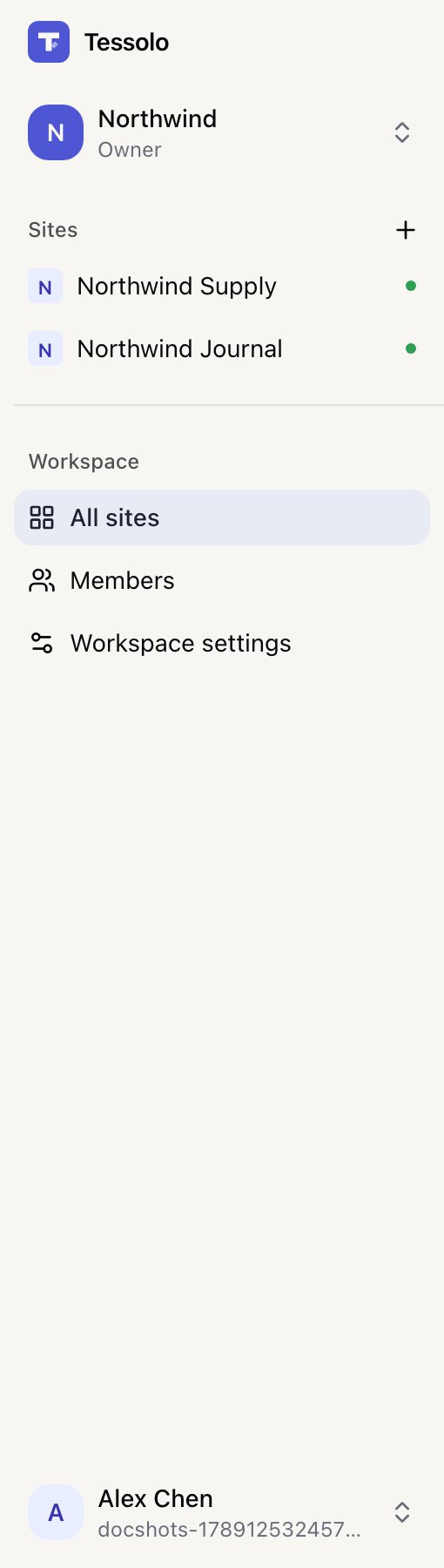
- 1Workspace switcher
- 2Sites in this workspace
- 3Members, settings, billing
How many do you need?
One, for most people. You get one automatically when you sign up.
More than one makes sense when the groups of people are different:
- An agency — one per client, so each client's team sees only their own sites.
- Separate companies or brands you don't want sharing a subscription.
More than one is not the way to organise your own sites. Several sites live happily in one workspace, and splitting them means separate subscriptions, separate member lists and separate theme libraries.
Nothing is shared between them
Sites, members, saved themes and billing are not shared across workspaces. A site can be moved to another workspace — see Transfer a site — but the saved themes and page templates it was built with stay behind.
Which is why it's worth a moment's thought at the start rather than after you've built four sites in the wrong place.
Creating and switching
The switcher at the top of the sidebar creates and switches. Each has its own name — call it after the team or the client, not "Workspace 2".
Workspace settings
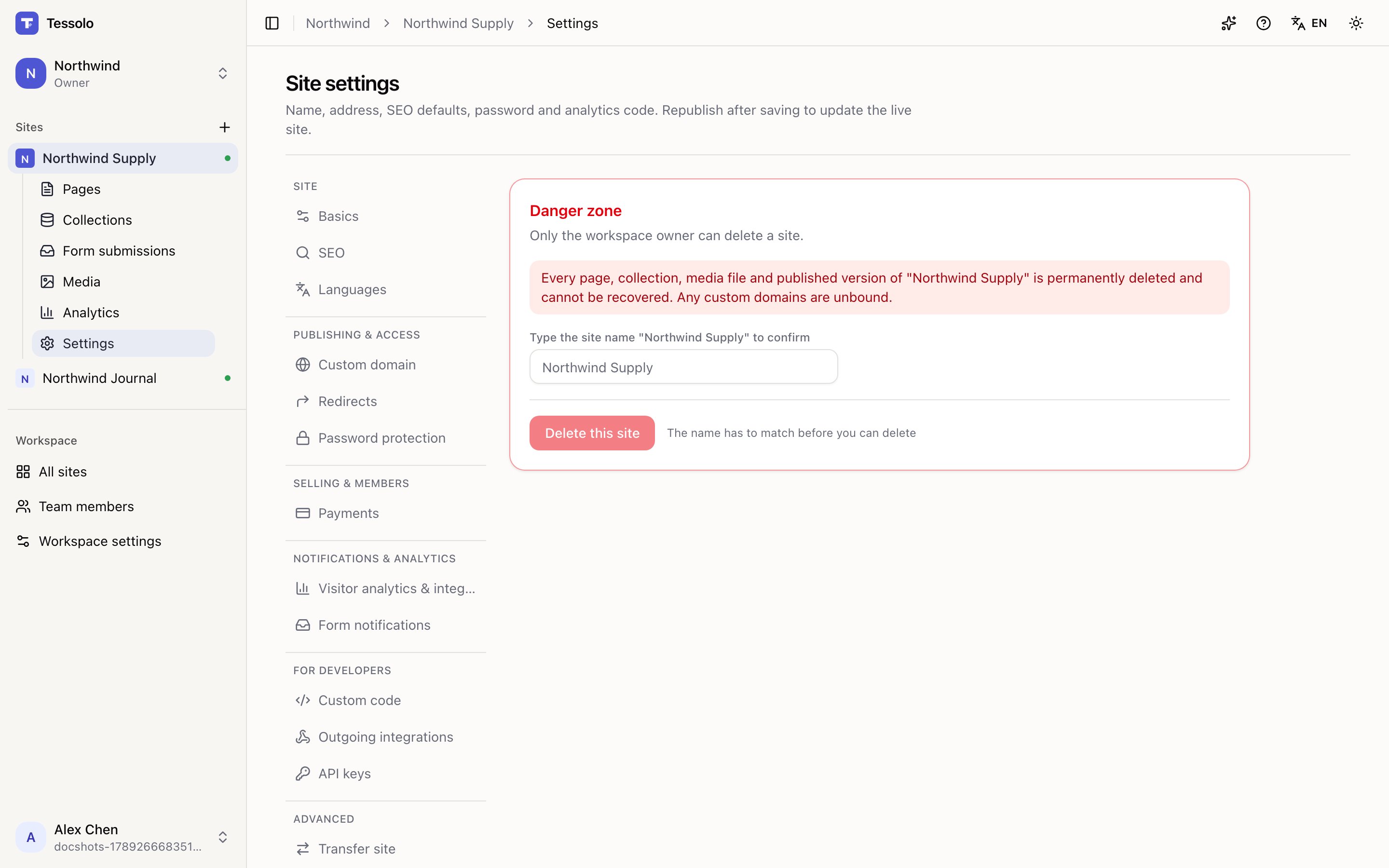
Under Workspace settings:
- Rename — cosmetic, safe.
- Export — everything as one file: sites, pages, collections, entries. Admins and above.
- Delete — permanent, owner only, and refused while there's an active subscription. Cancel that first.
Deleting takes every site, page and entry with it. There's no undo.
Roles
Four levels: owner, admin, editor, viewer. See members and roles.
Custom code and embeds
Add third-party widgets to one Tessolo page with the Embed block, or site-wide scripts with custom code — plus common uses and limits.
Members and roles
Invite teammates to a Tessolo workspace, what each of the four roles can and can't do, changing roles, transferring ownership and member limits.