Rebuilding a page from a URL
How Tessolo's AI rebuilds an existing web page from its URL with native blocks — what it keeps, what it drops, and how to check the result.
Paste the address of an existing page and Tessolo reads it, then rebuilds it with its own blocks. Useful when moving a site, or when you like how a page of your own is structured.
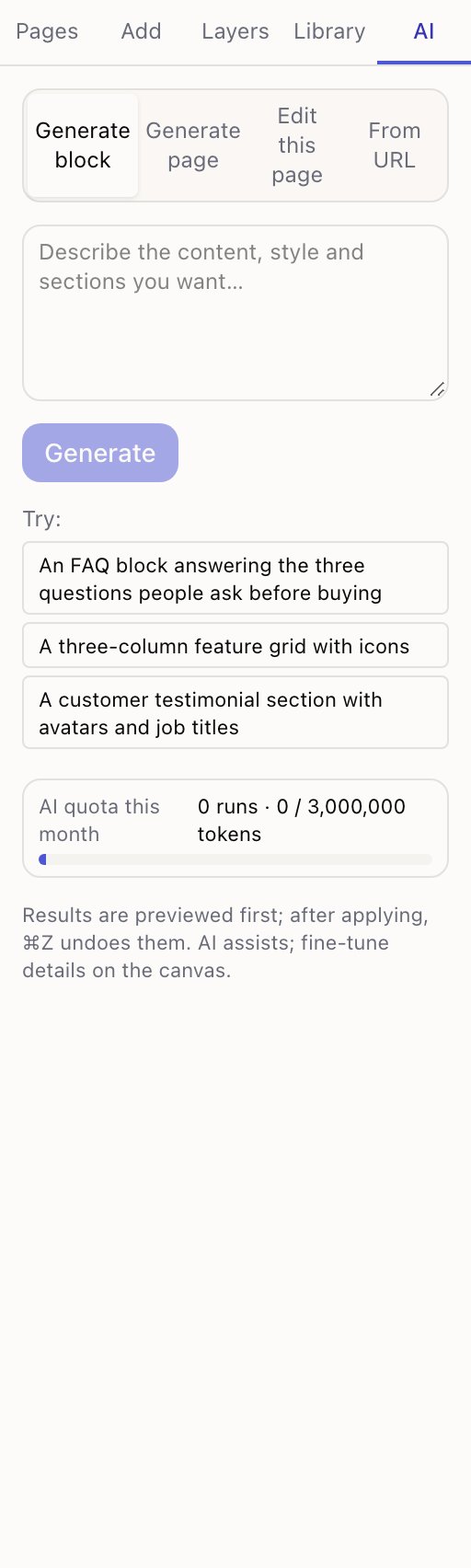
Available in two places: the From URL tab of the AI panel, and New page → Import from URL.
Two steps, two waits
Reading takes about ten seconds. It fetches the page and pulls out the text and images.
Generating takes one to three minutes. That's the AI turning the content into blocks. It runs on the canvas, so you can watch.
In the AI panel, this replaces everything on the current page. The panel says so before you start. Use a blank page unless you mean it.
What it keeps
- The words. Headings, paragraphs, button text — from the original.
- The images. Brought into your media library and filed by source site.
- The rough structure. Sections in about the same order.
What it doesn't keep
- The design. You get Tessolo blocks styled with your own theme, not a copy of how the original looked.
- Anything behind a login. Only what a visitor sees without signing in.
- Interactive parts. Forms and embedded widgets come across as static content.
It doesn't translate
An English page imports as English, whatever your interface language. That's deliberate — importing a page and finding it silently translated would be a surprise, and a bad one.
If you want it translated, import first and then use AI translation.
The optional note
There's a box for adjustments — the placeholder suggests things like keep only the first three sections. Use it to trim, not to redesign. Broad instructions here fight with the source content.
When it fails
| Message | What's happening |
|---|---|
| Enter a full https URL | It needs a complete public web address |
| Timed out | The page didn't respond in time. Try another page on the same site |
| That site refused the request | Some sites block automated readers. Copy the text and paste it into the AI panel instead |
| Barely any content | Usually a login wall, or a page that builds itself after signing in |
Check the result
Read the generated page against the original before publishing. Two things in particular:
- Repeated lines. Some sites repeat their heading in the markup; usually this is cleaned up, occasionally not.
- Navigation text in the body. Menu and footer text can end up in the page content.
And the obvious one: only import content you have the right to use. Your own old site, yes. Someone else's, no.
Editing a page with AI
Use Tessolo's AI to change an existing page: describe the edit, limit it to one section, preview the result, then keep or discard it.
Writing better prompts
Prompt patterns that get useful pages and blocks out of Tessolo's AI, prompts that waste your monthly allowance, and cheap habits that help.