Import a page from a URL
Paste the address of an existing web page and Tessolo's AI rebuilds it with native blocks — what comes across, which addresses work, limits.
Moving a site over, or rebuilding a page you already like? Paste its address and Tessolo reads it, then builds a page from what it found.
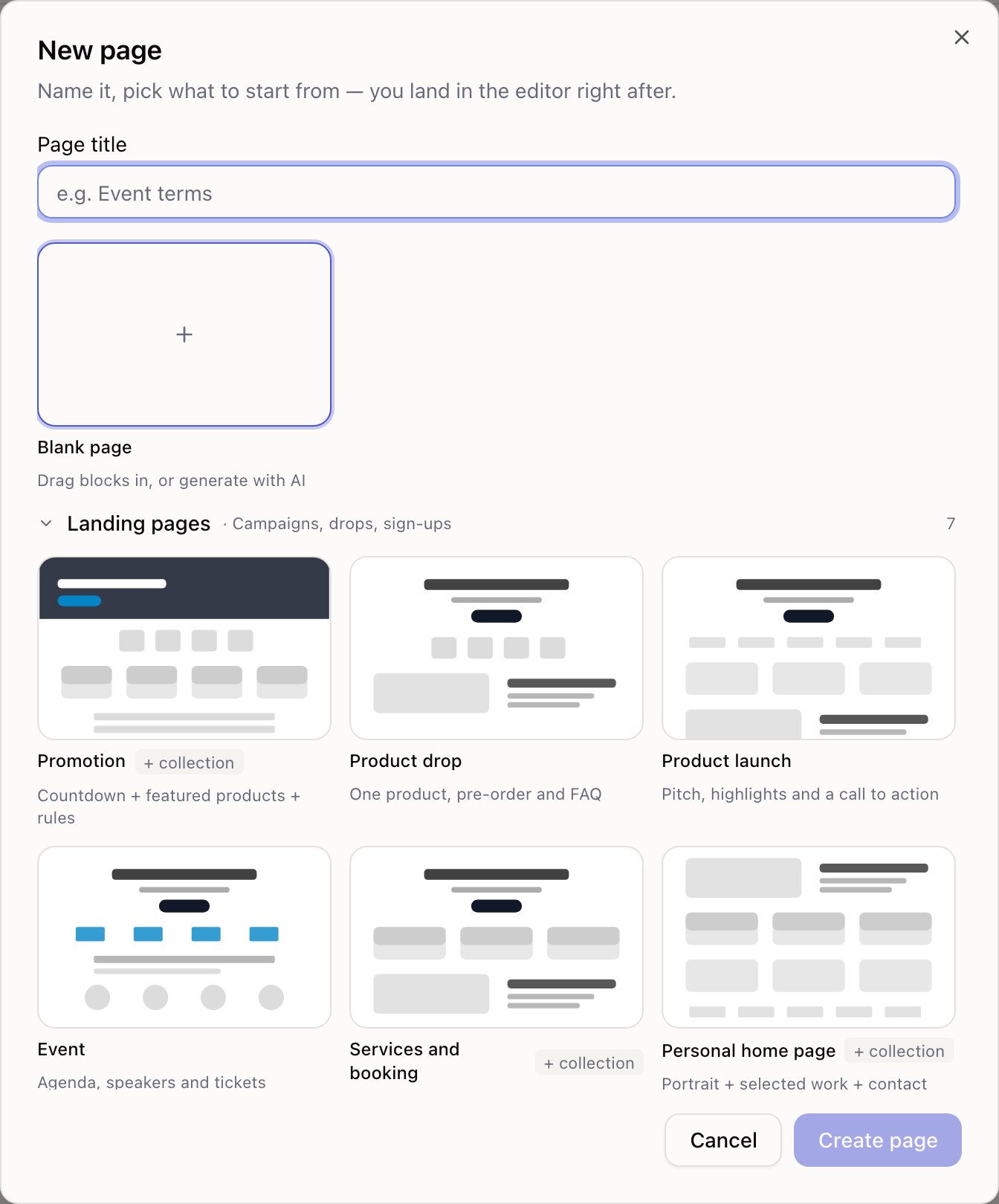
Two ways in: New page → Import from URL, or the From URL tab in the editor's AI panel.
What it does
Reading — about ten seconds
Fetches the page and pulls out the text and images. When it's done, the page name is filled in from the site's own title.
Generating — one to three minutes
Press Create and generate. An empty page is created, the editor opens, and the AI builds it on the canvas while you watch.
The long part runs in the editor rather than in the dialog, so you're not staring at a spinner. Reloading the page won't restart it.
What comes across
Kept: the words, the images (saved into your media library), and roughly the same order of sections.
Not kept: the original design — you get Tessolo blocks styled with your own theme; anything behind a login; forms and embedded widgets, which arrive as static content.
Not translated. An English page imports as English whatever your interface language.
Which addresses work
A complete public https:// address. Pages that need signing in won't work — the reader sees
what a logged-out visitor sees.
| Message | What it means |
|---|---|
| Enter a full https URL | Needs a complete public address |
| Timed out | The page didn't answer in time. Try another page on that site |
| That site refused the request | Some sites block automated readers. Copy the text and paste it into the AI panel instead |
| Barely any content | Usually a login wall, or a page that fills itself in after signing in |
Check it before publishing
Read the result against the original. Two things to look for:
- Repeated lines. Some sites repeat their heading in ways that can come through twice.
- Menu or footer text in the body. Navigation sometimes lands in the page content.
And fix the usual: buttons that point nowhere, and copy that's close but not yours.
Images
Images used by the generated page are copied into your media library, filed under the source site's name — so the page doesn't depend on someone else's server staying up.
Only images the page actually uses are copied, so importing a page with forty pictures doesn't fill your storage with thirty-nine you'll never place.
Only import content you have the right to use. Your own old site, yes. A competitor's, no. Text and images are someone's property, and importing doesn't change that.
Limits
There's a daily cap on imports per workspace. Failed attempts don't count against it.