Submissions and notifications
Where Tessolo form submissions land, who gets the notification email, exporting entries to CSV, deleting them, and what to check if none arrive.
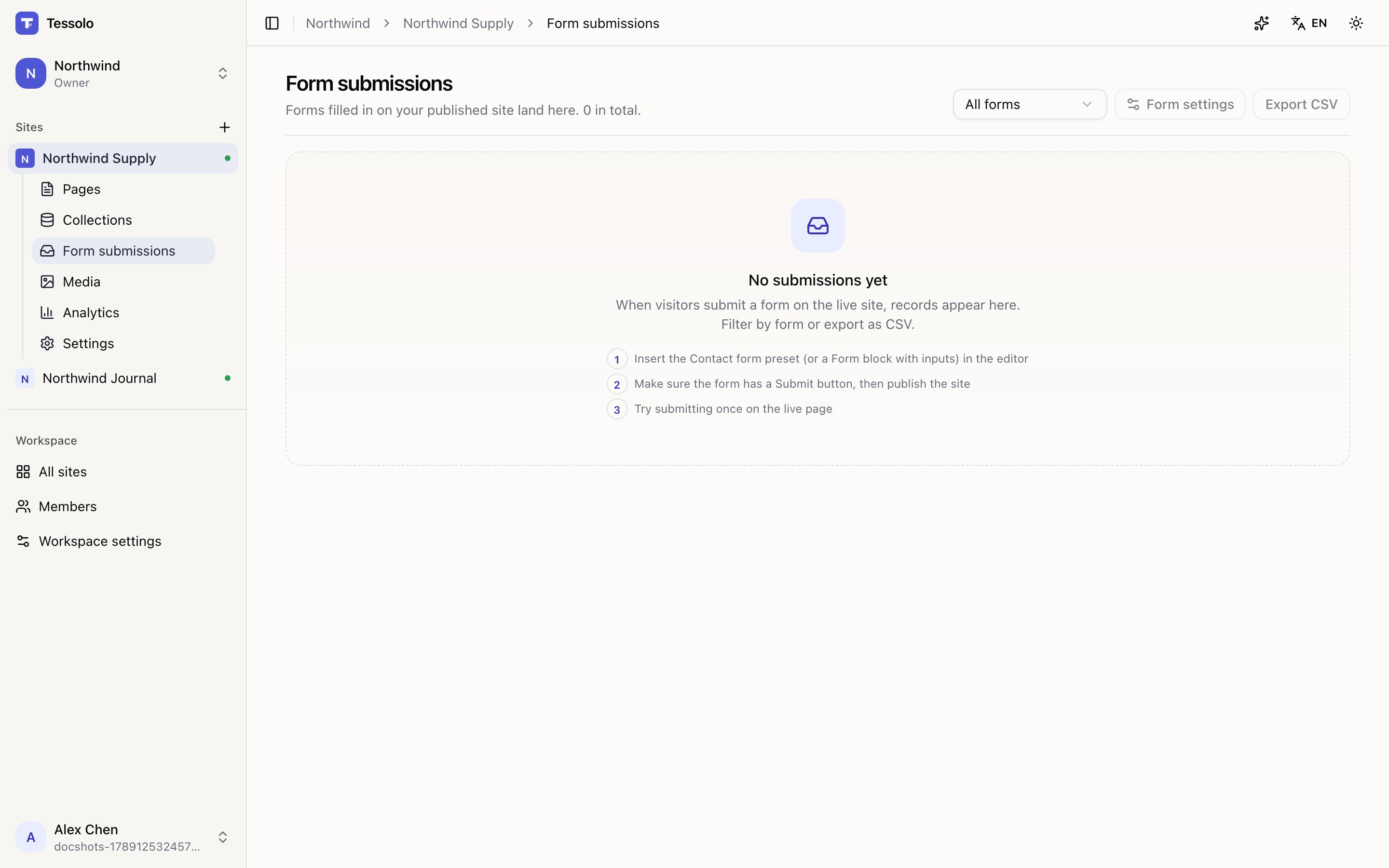
Everything filled in on your published site arrives under Form submissions in the site's sidebar.
The table
Newest first, with the form name and the time. If a site has several forms, the dropdown on the left narrows to one.
Long lists load more as you scroll rather than paging.
Getting told
Submissions sitting in a table nobody opens are worse than useless.
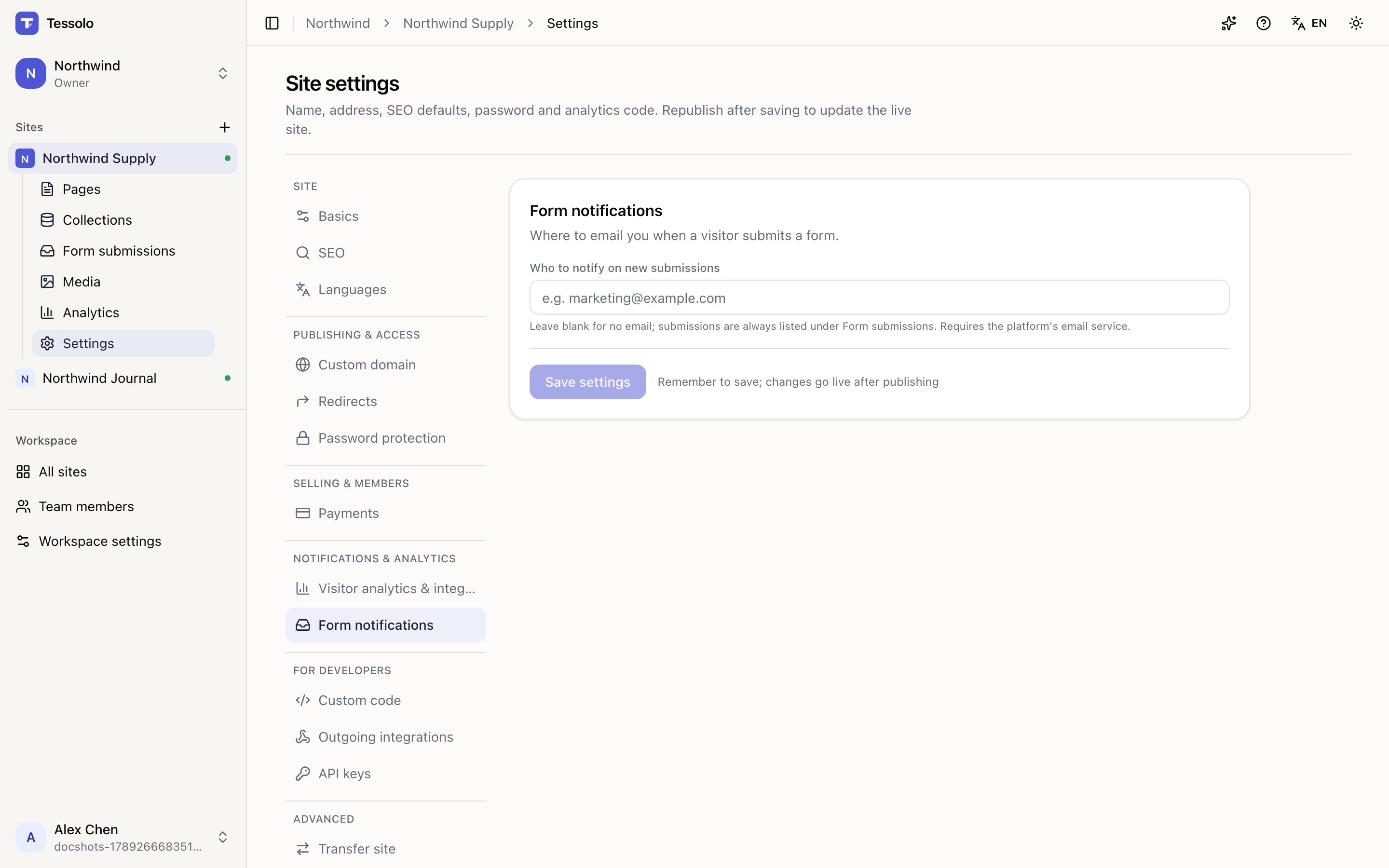
Go to Settings → Form notifications and fill in Who to notify on new submissions. Every submission then arrives by email, from every form on the site.
One address. Use a shared mailbox (hello@) rather than a person if more than one of you
needs to see them — it survives holidays and people leaving.
Export
Export CSV gives you every submission for the selected form. Open it in a spreadsheet, or feed it to your email tool.
For a mailing list, this is how subscribers get out. Tessolo deliberately doesn't send campaigns — see auto-replies and webhooks.
Deleting
Individual submissions can be deleted, and it's permanent.
Worth a thought: form submissions often contain personal data. If someone asks you to delete theirs, this is where you do it. Exporting and clearing old submissions periodically is usually better practice than keeping them forever.
Nothing arriving?
Work down this list:
- Is the site published? Only the live site records anything.
- Does the form have a submit button whose action is Submit form? The pre-publish check flags this.
- Did you submit on the live page, not the editor preview?
- Have you hit the monthly quota? See spam protection and limits.
- Notification email set? Submissions can be recorded without anyone being told.
- Check spam, and add your site's sending address to your contacts.
What happens after submit
Choose what visitors see after submitting a Tessolo form: a thank-you message or a redirect to a thank-you page, and how to count conversions.
Auto-replies and webhooks
Send an automatic email reply to people who fill in a Tessolo form, or push each submission to another system with a webhook, per form.