Password protection
Put a whole Tessolo site behind one password: how visitors see it, what else it blocks, what it's good for, and removing it before launch.
Set a password and nobody sees the site without it.
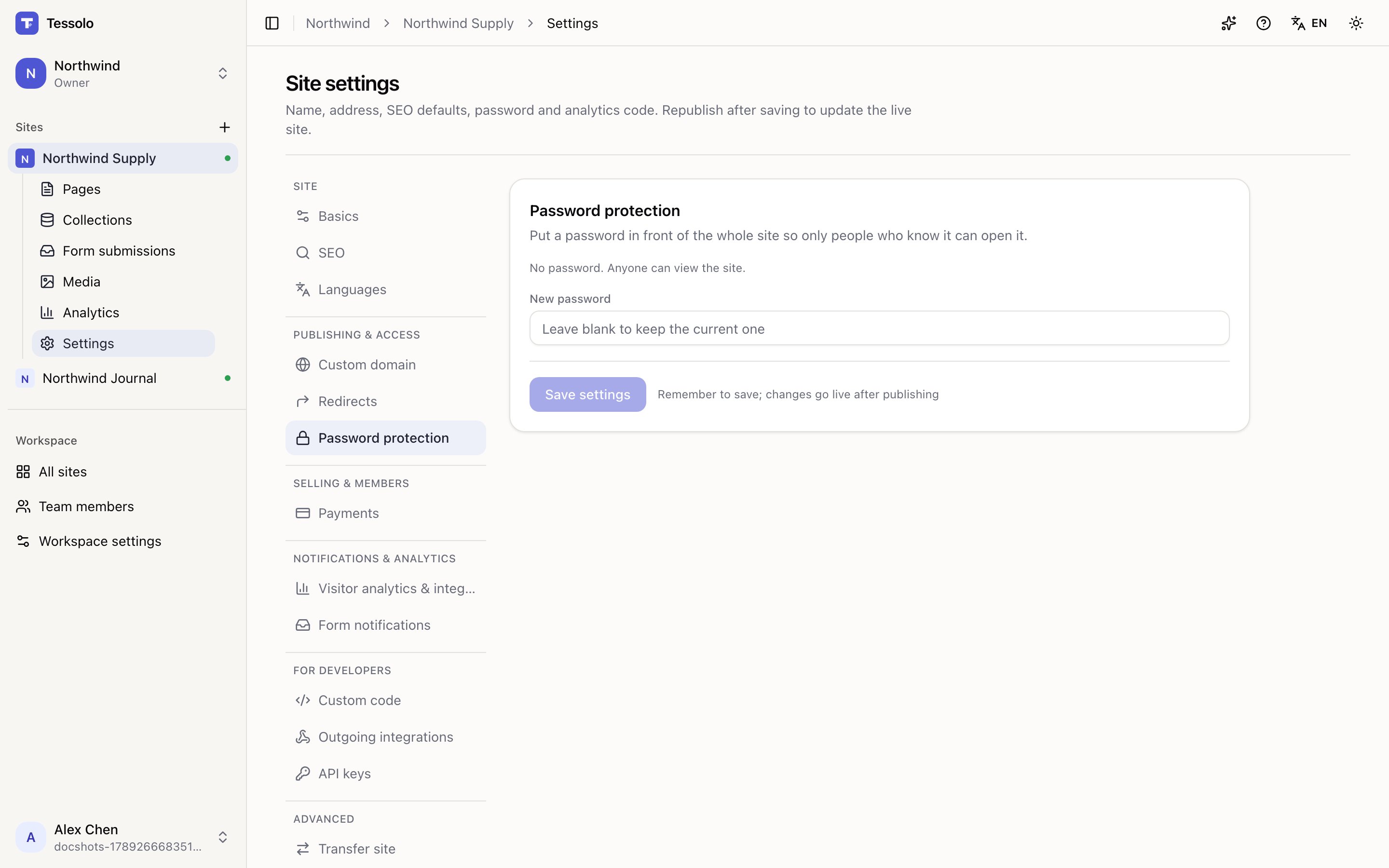
Setting it
Settings → Password protection → type one into New password and save. The panel then says a password is currently set.
To change it, type a new one. Leave the field blank and the current one is kept — that's what the placeholder means.
Remove password protection takes it off and the site is public again.
How it works for visitors
Anyone opening the site gets a password screen styled with your theme, not a generic one. Enter it once and they can browse normally.
One password for everyone. There are no individual accounts — it's a door, not a membership system. If you want individual accounts — visitors signing in with their own email, some pages only for them — that's the members area.
What it also blocks
Turning it on hides the site from more than browsers:
- Search engines can't index it
- Link previews in chat apps stay blank
- The public read API refuses requests
- Site screenshots aren't generated
That's the point — a protected site is protected — but it's worth knowing before you wonder why a preview card is empty.
What it's good for
- Showing a client work in progress on the real address
- A site that's ready but shouldn't launch yet
- An internal site — a handbook, a price list for staff
What it isn't
Not security for anything sensitive. One shared password gets forwarded, screenshotted and kept long after someone leaves.
For "not indexed but reachable", use Hide from search engines in page settings instead. For "only a specific person", send a draft preview link.
Before launch, take it off
The obvious failure: the site is finished, announced, and still behind a password because nobody remembered. Removing it takes effect immediately — no republish needed — but it's worth being on your launch list.