Importing a CSV
Import a spreadsheet into a Tessolo collection: prepare the CSV, map columns, check the preview, choose draft or published, or update entries.
If your content is already in a spreadsheet, you don't need to retype it.
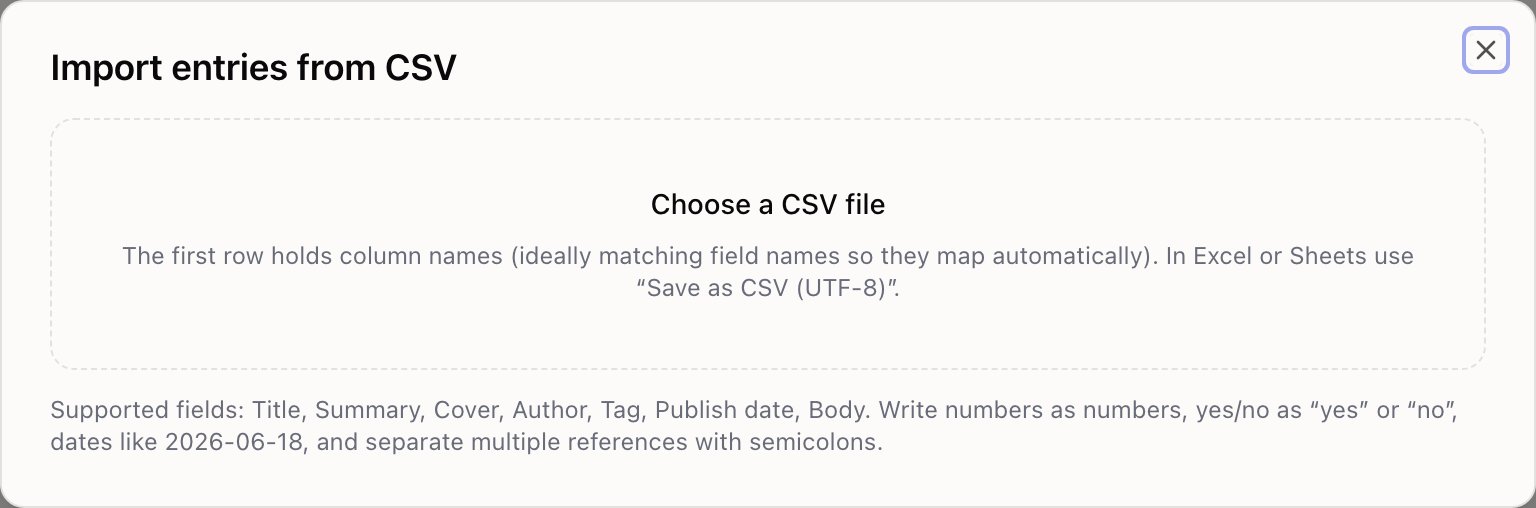
Prepare the file
The first row holds column names. Every row after that is one entry.
If the column names match your field names, they map themselves — so renaming your spreadsheet headers to match is the single biggest time-saver.
In Excel or Google Sheets, use Save as CSV (UTF-8). Plain "CSV" can mangle accents and non-Latin text.
How to write values:
| Field type | Write it as |
|---|---|
| Number | 199 — a number, not $199 |
| Toggle | yes or no |
| Date | 2026-06-18 |
| Tags | design, writing |
| Reference | the linked entry's name, its address (slug) or its id — Audio works |
| References (many) | the same, separated with semicolons: Audio; New |
| Image | a full web address, or the name of a file already in your media library |
Map the columns
Press Import CSV, choose the file, and match each column to a field. Anything you don't want becomes Ignore this column.
You need at least one column mapped before you can continue.
Check the preview
The first rows are shown as they'll be imported, with a Check column.
Rows with problems are listed and skipped — a required field left empty, a number that isn't a number. The rest still import. Fix the file and run it again if you need them.
Decide draft or published
Publish right after import makes everything live immediately. Leave it off and everything arrives as drafts for review.
Leave it off if you're importing content you haven't read. Turn it on when you're moving content that was already live somewhere else.
Updating instead of adding
Include a slug column and any row whose slug matches an existing entry updates it instead of creating a duplicate.
That makes the import repeatable: export, edit prices in a spreadsheet, import back, and nothing is duplicated. The result line tells you how many were added and how many updated.
What it won't do
- Upload images from your computer. An image column must be a web address or a file already in your media library.
- Create the entries a reference points at.
Audiohas to exist in Categories already; a row naming a category that isn't there is skipped and reported. - Guess your date format. Use
2026-06-18.
A safe first run
With a few hundred rows, import ten first. Look at what arrived, check a detail page, then import the rest. Five minutes that avoids fixing three hundred entries by hand.
Only import content you have the right to use. If image columns point at another site, those images are still being loaded from there — replace them with your own.