What a collection is
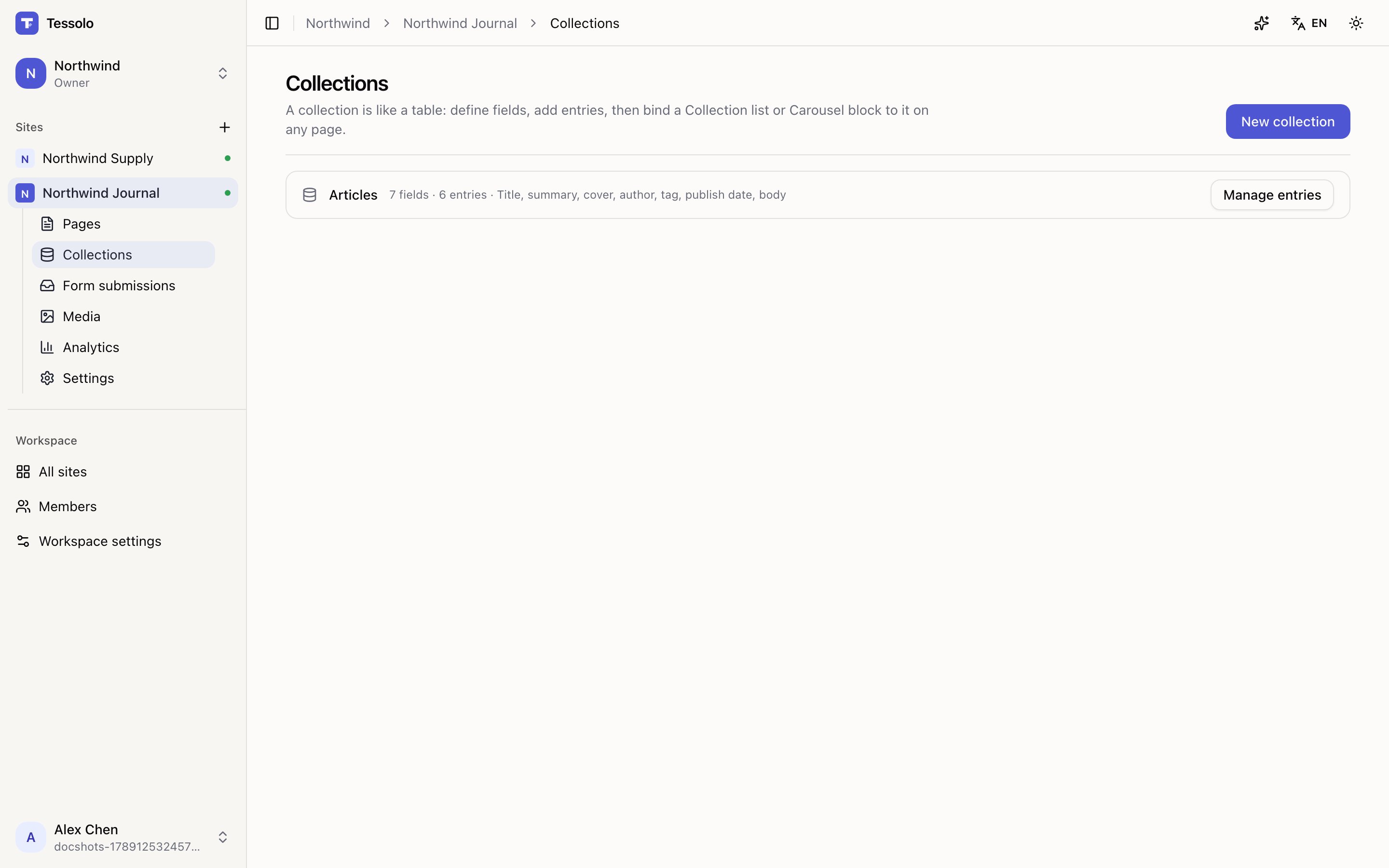
A Tessolo collection is a table of repeating content — products, articles, case studies, people — that any page can show in any layout.
A collection is a table. You decide the columns once, fill in rows, and then any page can display those rows.
Three words
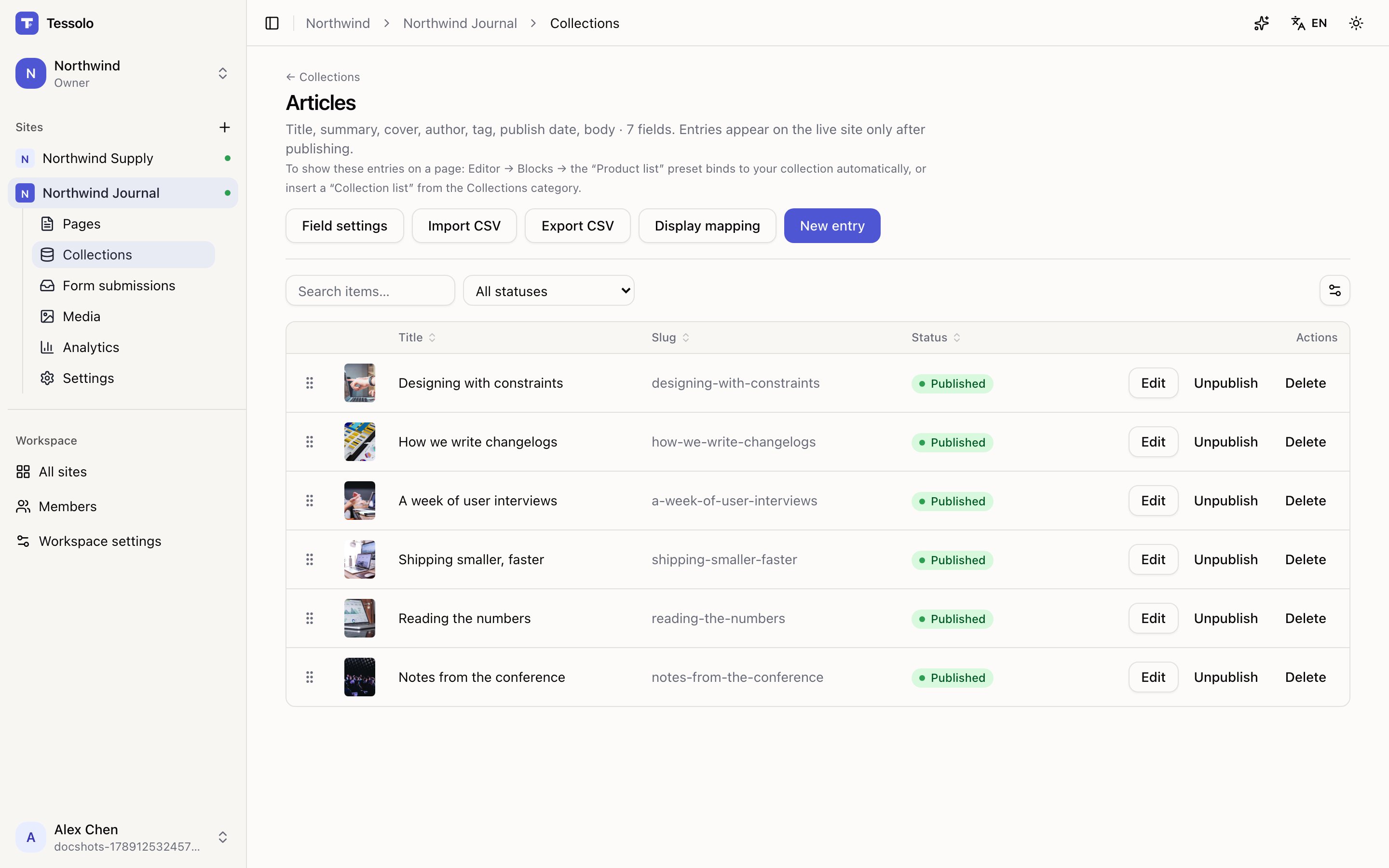
Collection — the table. "Articles", "Products", "Team".
Field — a column. "Title", "Price", "Cover image". You define these once and every entry has the same ones.
Entry — a row. One article, one product, one person.
When to use one
Use a collection when you can finish this sentence: "I'll be adding more of these."
Good candidates: products, articles, case studies, team members, events, job openings, FAQs, customer stories.
Bad candidates: your About page, your pricing table, your contact form. Those are one-offs. Putting a one-off in a collection adds a layer of indirection for no return — just build the page.
The test is not how many items you have today. Three articles that will become thirty belong in a collection. Twelve reasons-to-choose-us that will never change do not.
What you get for the effort
Once content is in a collection, four things become nearly free.
Show it anywhere, in any layout
Put a Collection list block on any page, point it at the collection, and it draws a card for each entry. The same collection can appear as a three-column grid on the homepage and a long list on the articles page — one source, two layouts.
Give every entry its own page
Design one detail page. Every entry gets its own address using that layout —
/articles/how-we-write-changelogs, /articles/designing-with-constraints, and so on,
without you building each page.
Filter and sort without touching the layout
"Only featured products." "Newest first." "Only entries tagged Design." These are settings on the block, not different copies of your page.
Edit content without opening the editor
Entries are edited in the Collections section, which is a table and a form — no canvas, no blocks. Someone can add next week's article without ever seeing the page editor.
Collections belong to a site
Each site has its own collections. Two sites in the same workspace don't share them.
If two sites genuinely need the same content, the honest options are to keep them in one site as different pages, or to maintain them separately. There's no shared-content feature, and pretending otherwise with copy-paste ends badly.
Starting one
Templates called Campaign, Brand Store, Agency and Blog / Newsroom create a collection for you, with sample entries and a working detail page. If any of those matches what you're building, starting there is much faster than building it up by hand.
Otherwise, New collection offers starter field sets — Products, Articles, Case studies, Team — or a blank one you define yourself.
Entries have their own draft and published states, separate from the site. An entry you just wrote does not appear on the live site until you publish that entry — see entries and publishing.
Saving and reusing themes
Save a finished Tessolo theme to the workspace library and apply it to any other site — applying copies it, it doesn't link — and who can manage it.
Creating a collection
Create a content collection in Tessolo: start blank or from a starter field set, define fields, rename or delete it later, and its technical key.