Exporting and the read API
Get your Tessolo content out: export a collection to CSV, export a whole site or workspace as one backup file, or read entries through the public API.
Your content is yours and there are three ways to get it out.
Export a collection to CSV
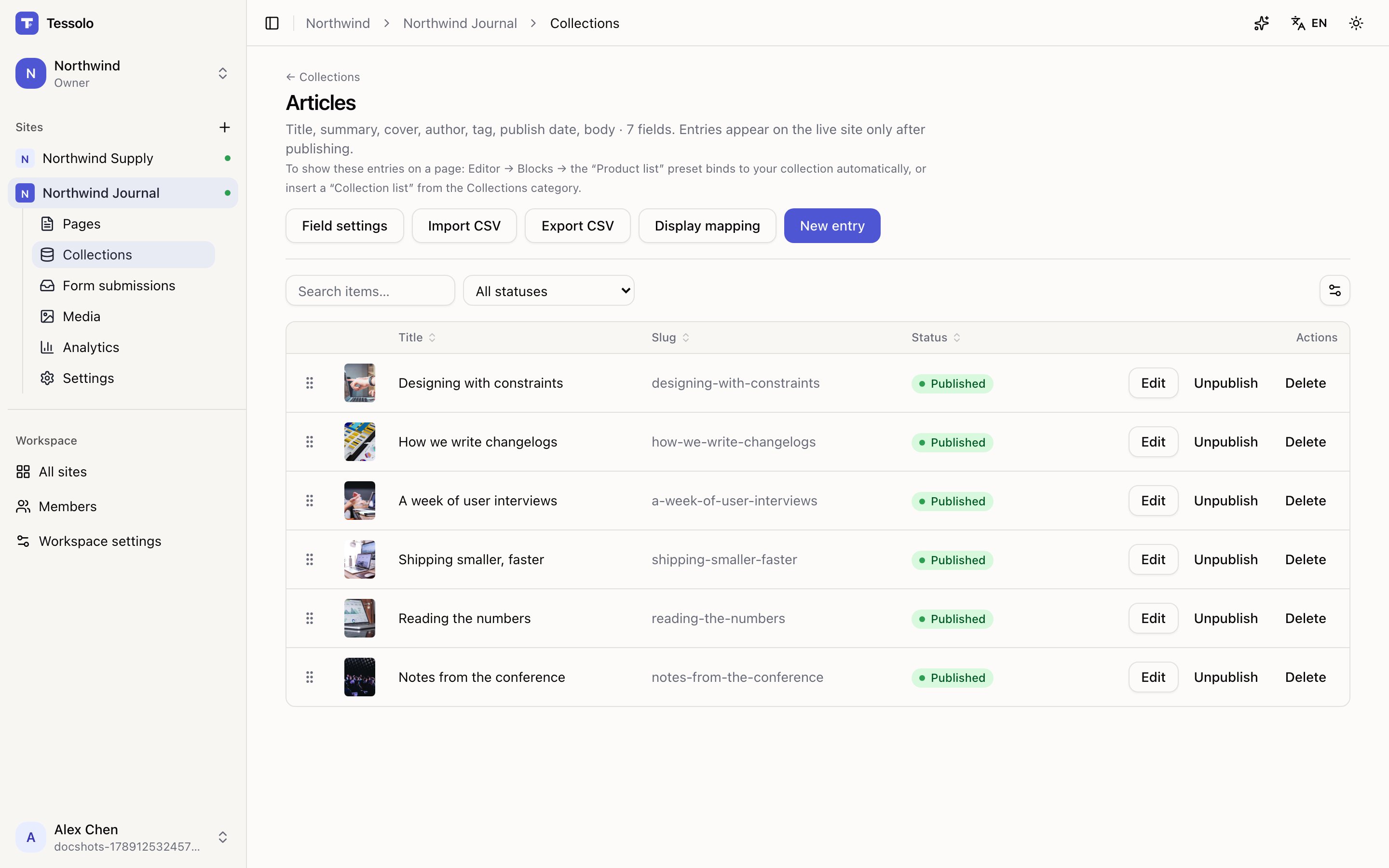
On a collection, press Export CSV. You get every entry with:
- a slug column
- one column per field, named after the field
- a Status column
Toggles come out as yes / no, references come out as the linked entry's name, and
multiple references are separated with semicolons — the same shapes the importer expects,
so an export can be edited and imported straight back.
That round trip is the easy way to do bulk edits: export, change a column of prices in a spreadsheet, import with the slug column intact, and existing entries are updated rather than duplicated.
Export a whole site or workspace
From workspace settings you can export everything as one file: sites, pages, collections and entries. It's a backup and a way to leave — not something you'd import back page by page.
Available to admins and above.
The public read API
Pro and aboveOther systems can read your published entries directly. A mobile app showing the same products, a shop reading your catalogue, a dashboard counting your articles.
GET https://yourbrand.com/api/cms/<site>/<collection><site> and <collection> accept either the short name or the identifier.
| Parameter | Meaning |
|---|---|
limit | How many to return. Default 20, maximum 100 |
page | Which page of results |
locale | Which language's text to return |
expand | 1 to replace each reference with the linked entry itself (its published version; unpublished links come back empty) |
What it returns:
- only published entries — drafts stay private
- the published version of each entry, not your unsaved edits
Anyone can read it, so treat everything in a published entry as public. It isn't a place for internal notes.
If the site is password protected, or your plan doesn't include the API, the request is refused rather than quietly returning nothing.
Without a key this is read-only. To create or change entries from another system, or to read a password-protected site, issue an API key.