Entries and publishing
Collection entries in Tessolo publish separately from the site: draft, published and unpublished changes, URL slugs, ordering and deleting.
Entries have their own publishing, separate from the site's. This is the part that catches people out, so it's worth five minutes.
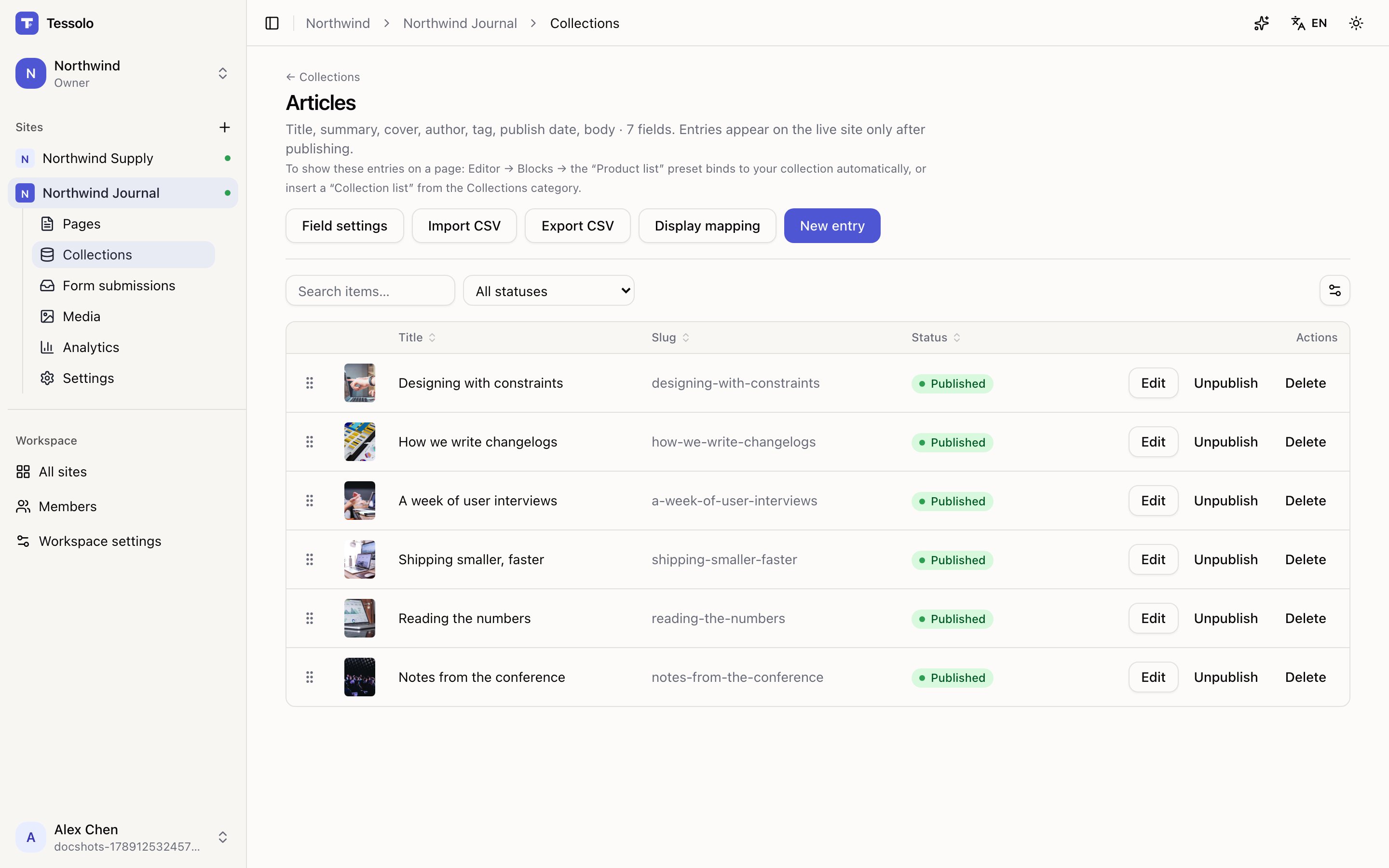
- 1Search, status filter, column chooser
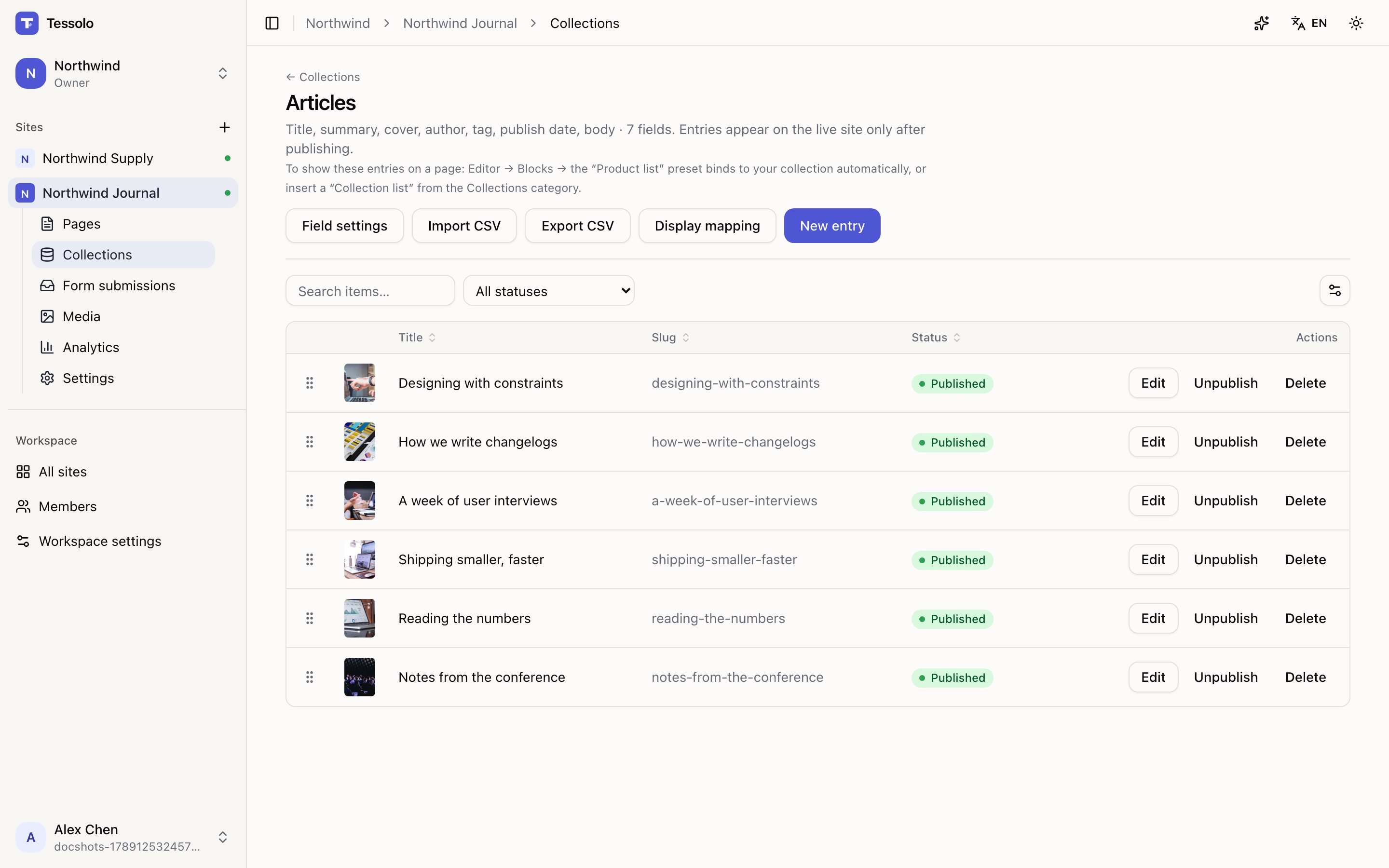
- 2Status — the column that decides what visitors see
The three states
| Status | On the live site |
|---|---|
| Draft | Not there at all |
| Published | Visible, matching what you see |
| Unpublished changes | Visible, but showing the older version — your edits aren't live |
That last one is the one to watch. The entry is on the site, and it looks fine to you in the editor, but visitors are reading the previous text.
Saving an entry
The entry form has two buttons:
- Save as draft — store it, keep it off the site.
- Save and publish — store it and make it live.
An entry already live shows Publish (push your changes) and Unpublish (take it off the site without deleting it).
Republishing the site does not publish your entries. Site publishing covers pages; entries publish individually. If you edited five articles, publish those five — otherwise the site says "up to date" while visitors read the old text.
URL slug
Each entry has a URL slug — the last part of its detail page address, as in
/products/aurora-pro.
Leave it blank and it's generated from the name. Change it and the entry's address changes, so old links break — same trade-off as page paths. Set it before you're linked from anywhere, and afterwards leave it alone.
It lives under Advanced (rarely needed) on the form, because most people never need to touch it.
Ordering entries by hand
Drag the handle at the left of a row. Lists on your pages follow this order, so it's how you decide which three products are "featured" without adding a field.
Dragging is disabled while the table is sorted or filtered, and the table says so. That's not a bug: with rows hidden or reordered, "drop it here" doesn't have one obvious meaning. Clear the search and the status filter and the handles come back.
Reset to default order puts everything back.
Finding things in a big collection
- Search matches the entry name and the first few text fields.
- All statuses narrows to drafts or published.
- Choose columns picks which fields are visible — it applies to everyone on the team, so it's a shared decision. Rich text and file fields can't be columns; they're too long.
Deleting
Deleting is permanent and asks first. If an entry might come back — a seasonal product — Unpublish instead. It vanishes from the site and keeps its content.
Field types
All twelve Tessolo collection field types — text, numbers, dates, images, files, links, tags, variants, references — and which one to reach for.
Display mapping
Display mapping tells Tessolo which collection field is the title, main image, price or date, so cards and detail pages show the right content.